Onboarding guide · Chapter 7
Unlock the gauges you forecast
Commercial · admin
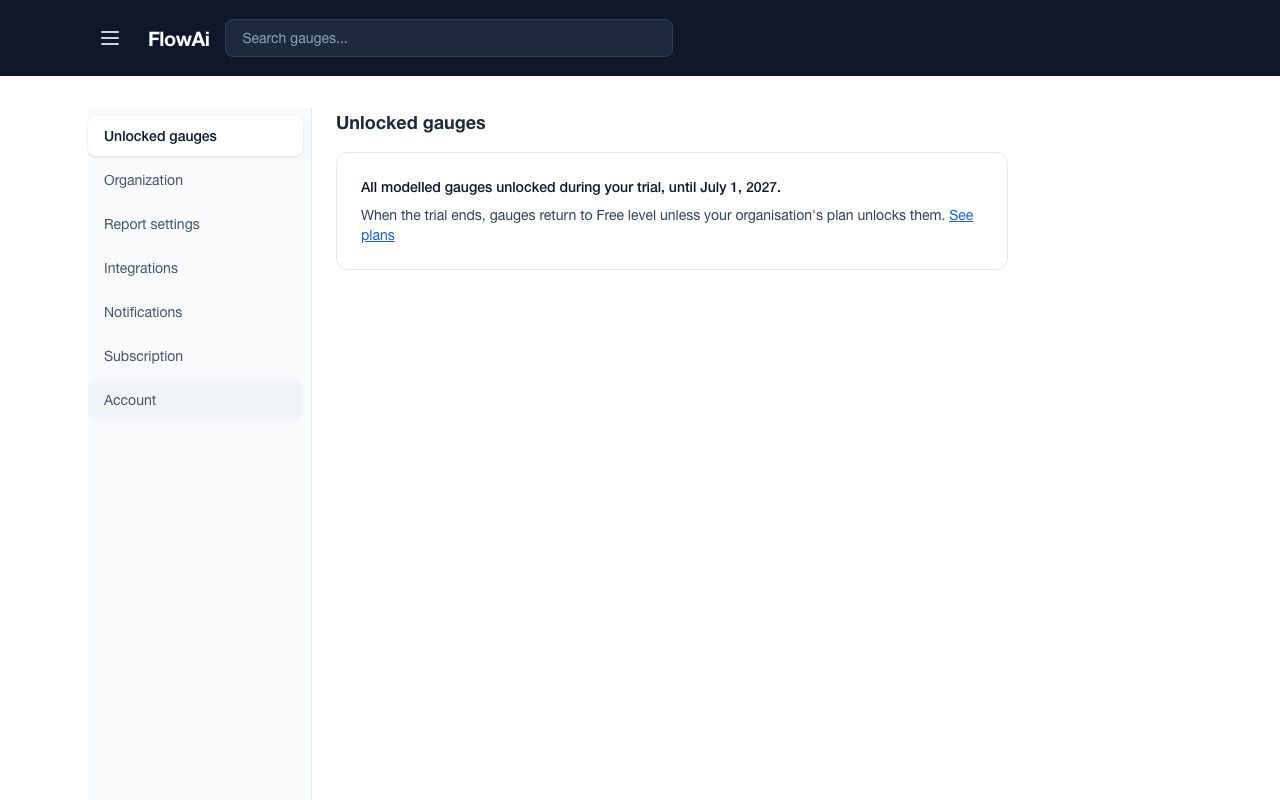
The river forecast shows on gauges your organisation has unlocked. During the free period every modelled gauge is unlocked for you, and Profile › Unlocked gauges says so. After it, your plan gives a number of slots, shared by everyone in the organisation.
- Under Add a gauge, search for a gauge, select it and press Unlock selected. Adding into a free slot is always allowed.
- To change your set, use Swap or Remove. Removing or swapping is limited to once a week.
- From an area, Unlock the gauges in this area unlocks every locked gauge in it in one step.