Onboarding guide · Chapter 3
Set up your account
Signed in
- Go to Sign Up, enter your work email and a password of at least 12 characters, and choose the Commercial plan. If your organisation is already on FlowAi you join it; otherwise it is created with you as its admin.
- Enter the 6-digit code we email you. Resend code becomes available after 60 seconds.
- In Profile › Account, set Your time zone and press Save time zone. It overrides your organisation's zone for gauge pages, areas and alerts. Reports always use the organisation's zone.
- Under Two-step sign-in, press Turn on, scan the QR code with an authenticator app and save the 10 recovery codes somewhere safe. We recommend this for every member of an organisation that issues flood messages.
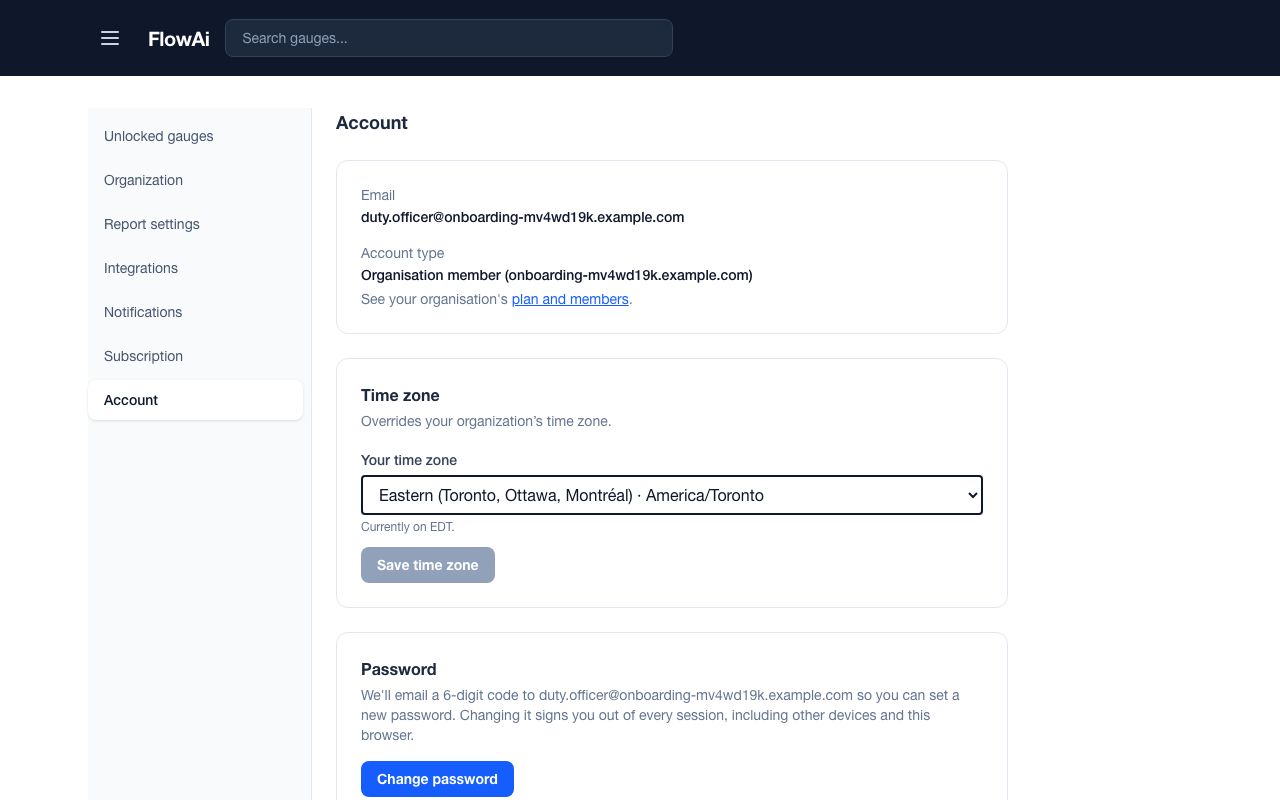
The same page lists your remembered Devices, lets you Change password, Download my data and Delete account.