Onboarding guide · Chapter 4
Keep your gauges at hand with Favorites
Signed in
- On a gauge page, press ☆ Favorite. It turns into ★ Favorited.
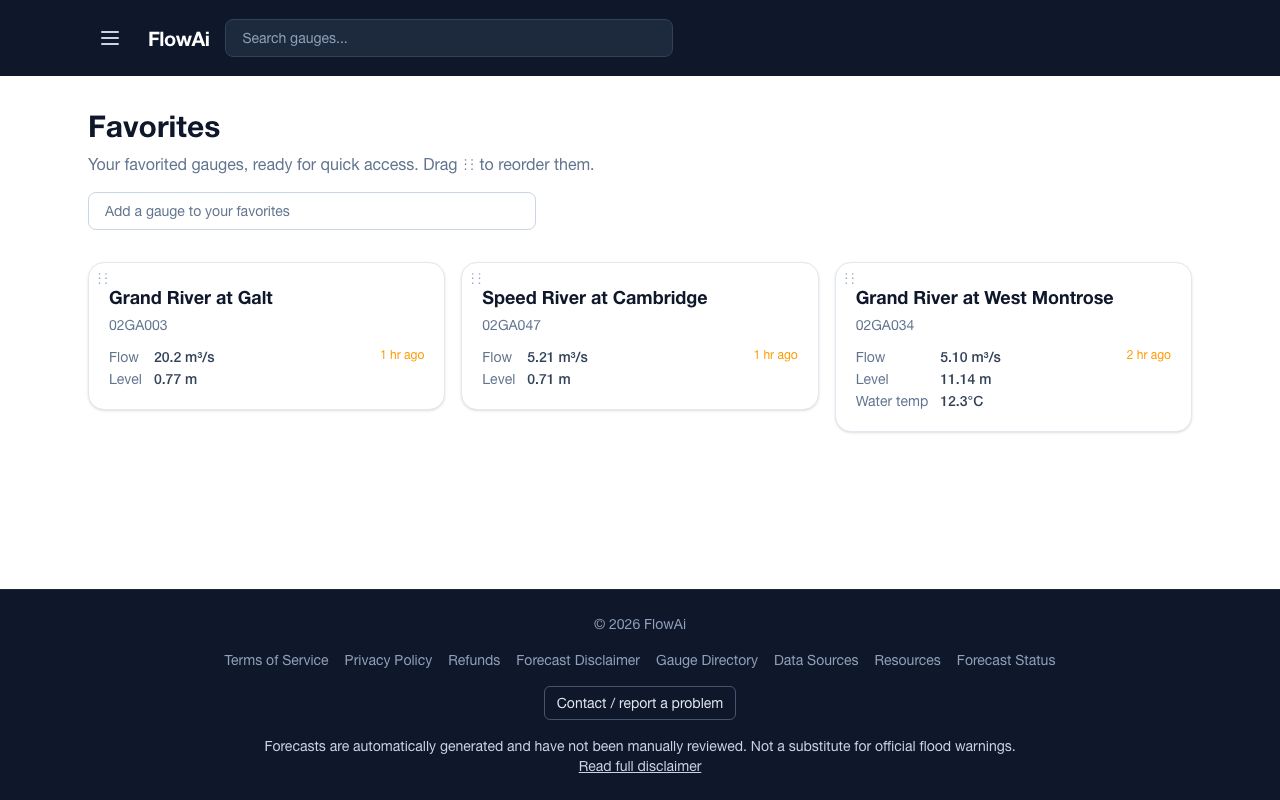
- Or open Favorites from the menu and use Add a gauge to your favorites.
- Drag the ⋮⋮ handle on a tile to reorder. Each tile shows the latest flow, level and water temperature.
Favorites are yours alone. To share a set of gauges with your team, use an area (chapter 8).