Onboarding guide · Chapter 6
Your organisation and your team
Commercial · admins manage members
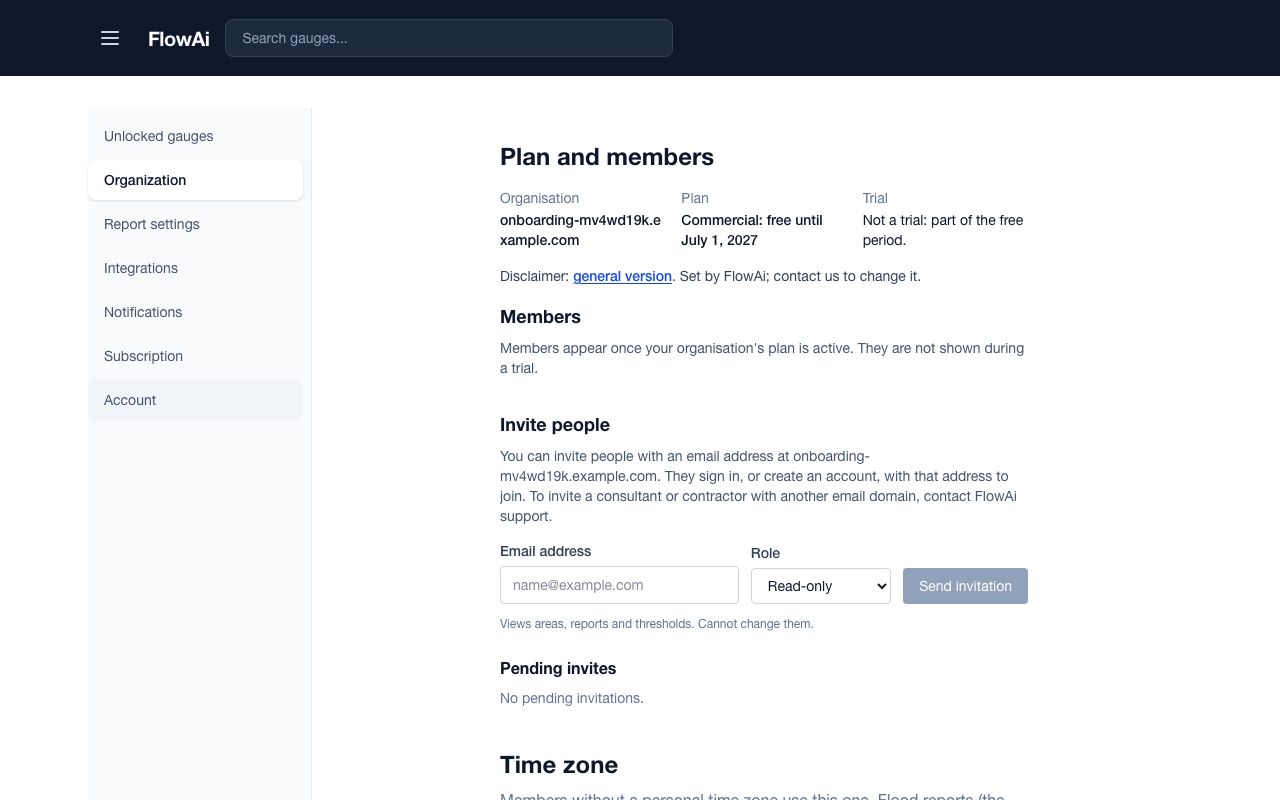
Profile › Organization shows your plan and its members. Commercial is free for organisations until July 1, 2027; we will publish prices and email you before then, and you are never charged unless you choose a paid plan.
Roles
| Role | What it can do |
|---|---|
| Read-only | Sees areas, reports and thresholds. Cannot change them. |
| Editor | Also edits areas, thresholds, reports, the letterhead, report settings and the organisation time zone. |
| Admin | Everything, including members, invites, unlocked gauges, API keys, second-officer review and message-level presets. |
Invite your team (admin)
- Under Invite people, enter an Email address at your organisation's domain, pick a Role and press Send invitation.
- They follow the emailed link and press Accept and join. Pending invites lets you Resend or Revoke one.
- Change anyone's role from the Members table, or Remove them.
To add a consultant or contractor with another email domain, contact us. Keep at least two admins: with two or more, flood messages need a second admin's approval by default (chapter 13).
Organisation time zone
Under Time zone, set the Organisation time zone and press Save time zone. Every report uses it, and so does every member who hasn't set their own.