Onboarding guide · Chapter 5
Get an email when a gauge crosses a value
Signed in; forecast alerts need Pro or above
A personal alert emails only you. You can have one alert per gauge.
- On the gauge page, find the alert panel below the thresholds and press 🔔 Set alert.
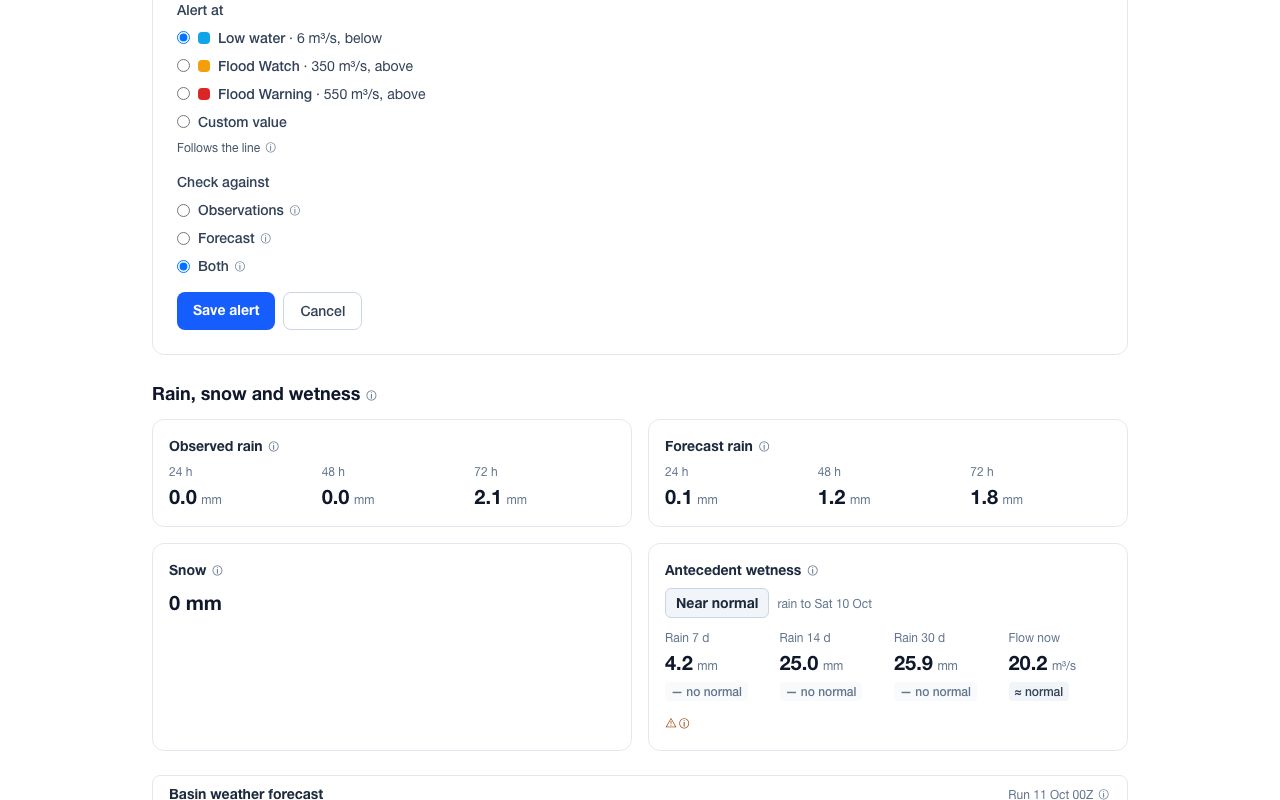
- Under Alert at, pick one of your organisation's threshold lines, or Custom value. An alert that follows a line changes when an admin changes the line.
- Choose the Measure (flow, level or inflow), the Condition (rises above or falls below) and the Threshold.
- Under Check against, choose Observations (the latest reading, if under 3 days old), Forecast or Both. Forecast checks need an unlocked gauge.
- Press Save alert. Alerts are checked every hour.
Profile › Notifications lists all your alerts, with Pause, Resume, Delete and Recent activity. It also has the switch Email me when my organisation's thresholds are crossed (chapter 9). Every email has an unsubscribe link.